

Why explainer videos are important, and how to make one that works
10 November 2026
Guide · Updated 10 November 2026
An explainer video is a short video that explains what something is, why it matters and how it works. It might introduce an app, a service, a medical device or a new idea. Done well, it saves your audience time and saves your team from repeating the same explanation again and again.
What the latest data says
Wyzowl's State of Video Marketing 2026 survey, based on 266 marketers and consumers surveyed in late 2025, found that:
- 96% of people said they had watched an explainer video to learn more about a product or service.
- 85% said they had been convinced to buy a product or service by watching a video.
- 68% of video marketers had created explainer videos, second only to social media videos at 69%.
- 63% of people said a short video was their preferred way to learn about a product.
These are survey responses rather than guaranteed outcomes, but they show that people expect and use explainer videos.
Why explainers work
- They reduce effort. Watching 60 seconds is easier than reading a long page.
- They show the invisible. Animation can show software flows, processes inside the body or the inside of a machine.
- They are consistent. Every viewer gets the same clear message, every time.
- They travel. One explainer can be used on the website, in sales emails, at events, in onboarding and on social media.
How long should it be?
Most explainers sit between 60 and 120 seconds. Shorter is usually better: cover one product or one idea and link to more detail. A common guide is roughly 130–150 spoken words per minute, so a 60-second script holds far fewer words than most first drafts. Check yours with our free script timing tool.
A simple script structure
- Problem (about 15%). Show the viewer's situation and pain point.
- Solution (about 20%). Introduce your product as the way through.
- How it works (about 45%). Three simple steps or benefits, shown visually.
- Proof and call to action (about 20%). A reason to trust you, and one clear next step.
Choosing a style
- 2D motion graphics are clean and flexible, great for software and services.
- 2D character animation adds warmth and story.
- 3D animation is ideal for physical products, mechanisms, medical and technical subjects.
- Whiteboard suits education and training.
Read 2D vs 3D animation: what's the difference? for help choosing.
The production steps
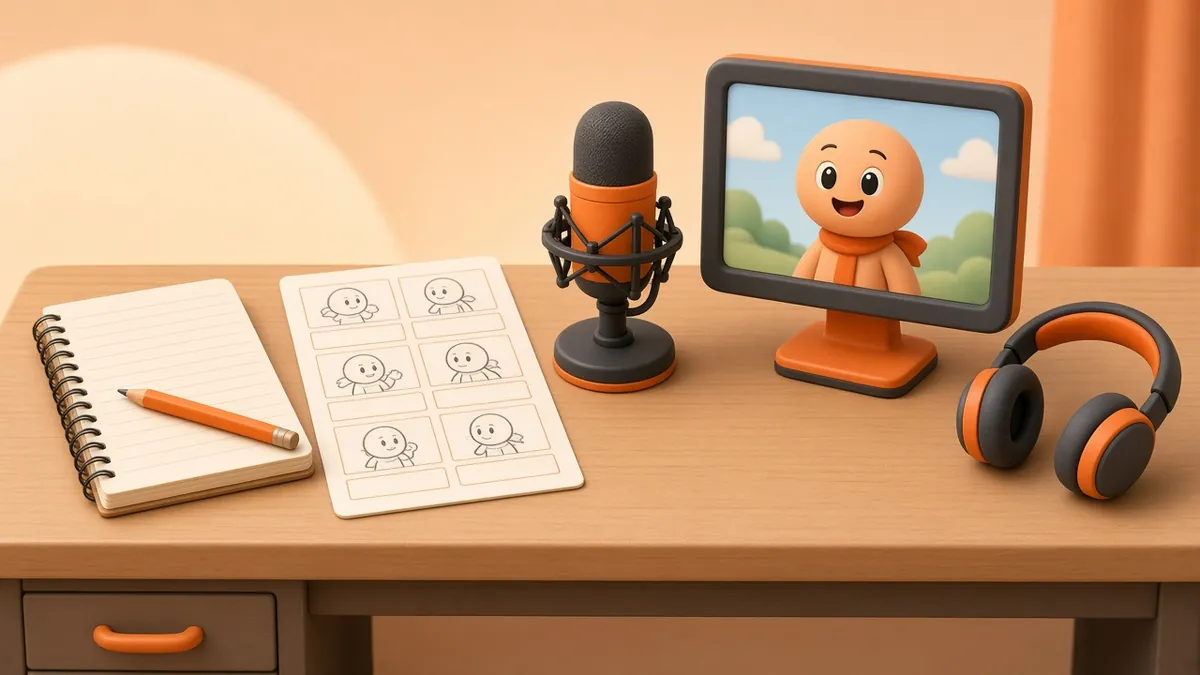
- Brief and research.
- Script, read aloud and timed.
- Storyboard and style frames. Try our story to storyboard tool for a rough first pass.
- Voice-over recording.
- Animation.
- Music, sound design and captions.
- Delivery in the sizes you need (16:9, 1:1, 9:16).
Where to publish
- Your homepage or product page, near the call-to-action.
- YouTube, with a clear title, description and custom thumbnail.
- Sales and onboarding emails, linking to a landing page.
- Social media, in shorter cut-downs with captions.
If you host the video on your own site, Google's video SEO guidance recommends giving each video a dedicated watch page and adding video structured data so search engines can understand it.
Common mistakes
- Trying to explain every feature.
- Starting with the company history instead of the viewer's problem.
- No captions.
- A weak or missing call to action.
Quick answers
Animated or live action? Animation is easier to update, can show things cameras cannot film, and avoids shoots and locations. Live action builds trust through real people. Many brands use both.
Ready to make yours?
Estimate a budget with our free cost estimator, see examples in our portfolio, or contact us to start your explainer.