

2D vs 3D animation: what's the difference, and which should you choose?
10 November 2026

Guide · Updated 10 November 2026
"Should my video be 2D or 3D?" is one of the most common questions clients ask. Both can be excellent. The right choice depends on what you need to show, where it will be seen and how you plan to use it later.
What is 2D animation?
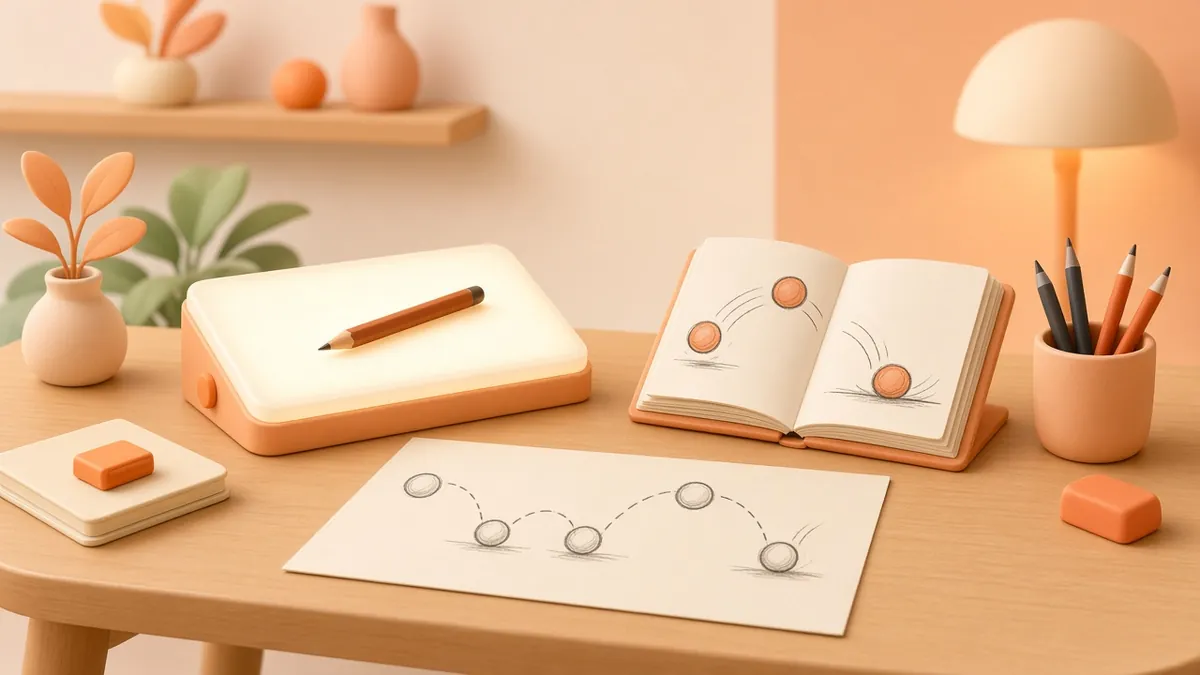
2D animation creates movement on a flat plane, with height and width but no real depth. There are several styles:
- Frame-by-frame (traditional): each drawing is made by hand, today usually digitally. Expressive and charming, but time-intensive.
- Cut-out / rigged 2D: characters are built from parts that move like puppets. Software such as Toon Boom Harmony is widely used in TV production.
- Motion graphics: animated text, icons and shapes, common in explainers and ads. For websites and apps, the Lottie format lets lightweight vector animations play in code.
- Whiteboard: a hand appears to draw the story, popular for education.
What is 3D animation?
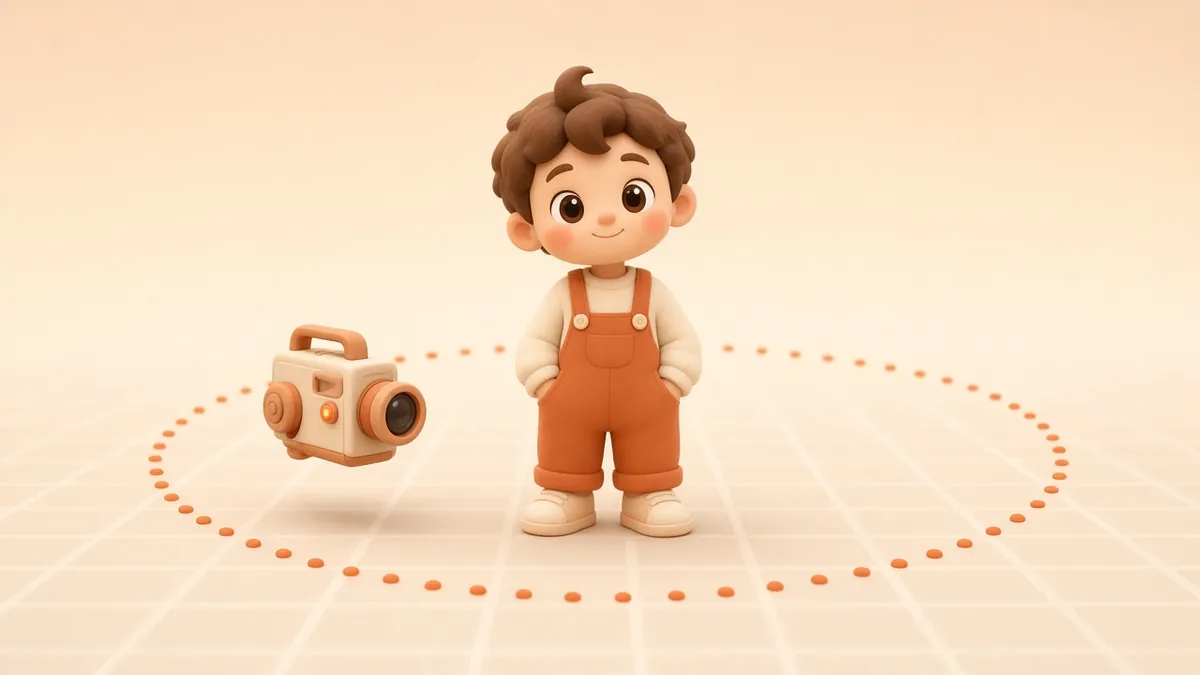
3D animation builds digital models in a three-dimensional space. Characters and objects are modelled, textured, rigged with a digital skeleton, animated, lit and rendered by the computer. Because everything exists in 3D, the camera can move anywhere.
Both styles rely on the same classic animation principles, such as timing, anticipation and squash and stretch, to make movement feel alive.
The key differences
- Look: 2D is graphic, illustrative and flat or stylised. 3D has depth and volume, from realistic to a rounded "animated film" style.
- Camera: 2D mostly uses fixed views, and camera moves must be drawn or faked. 3D allows free camera moves, orbits and fly-throughs.
- Upfront work: 2D is lighter: design, then draw. 3D needs models, textures and rigs before animation starts.
- Reuse: 2D assets are reusable within the angles they were drawn in. 3D models can be reused from any angle, for stills, AR and future videos.
- Best for: 2D suits concepts, services, data, education and social clips. 3D suits products, mechanisms, spaces and characters seen from all sides.
Cost and timeline drivers
Neither style is automatically cheaper. Costs depend on length, the number of characters and scenes, the level of detail and the number of revisions. Broadly:
- 2D motion graphics are often the quickest route for a simple explainer.
- Frame-by-frame 2D can be as slow as, or slower than, 3D.
- 3D has more setup, but once models and rigs exist, extra shots, versions and stills get much cheaper.
Use our free animation cost estimator for a rough guide.
Which should you choose?
Choose 2D when you are explaining an idea, service or process; when you want a bold, illustrative brand style; or when you need fast, frequent social content.
Choose 3D when you need to show a physical product, its materials and how it works; when the audience needs to understand a space or a mechanism; or when you will reuse the assets in many formats, including stills and AR.
Mix them when it helps. Many great explainers combine 3D product shots with 2D graphics and type.
A quick decision checklist
- Is there a physical product or space to show? Lean 3D.
- Is the message abstract (software, finance, services)? Lean 2D.
- Will you need many future videos with the same characters? Either works, but plan for reusable assets.
- Does your brand already have an illustration style? Lean 2D to match.
Quick answers
Is 3D always more expensive? No. A simple 3D product spin can cost less than detailed frame-by-frame 2D. Length, complexity and revisions matter more than the format.
Can 2D and 3D be combined? Yes, and it is very common: 3D products or environments with 2D characters, icons and text on top.
Still not sure?
Watch both styles in our portfolio, read our overview of 3D modelling and animation, or ask us for a recommendation.