

How to use augmented reality in your marketing strategy
10 November 2026
Guide · Updated 10 November 2026
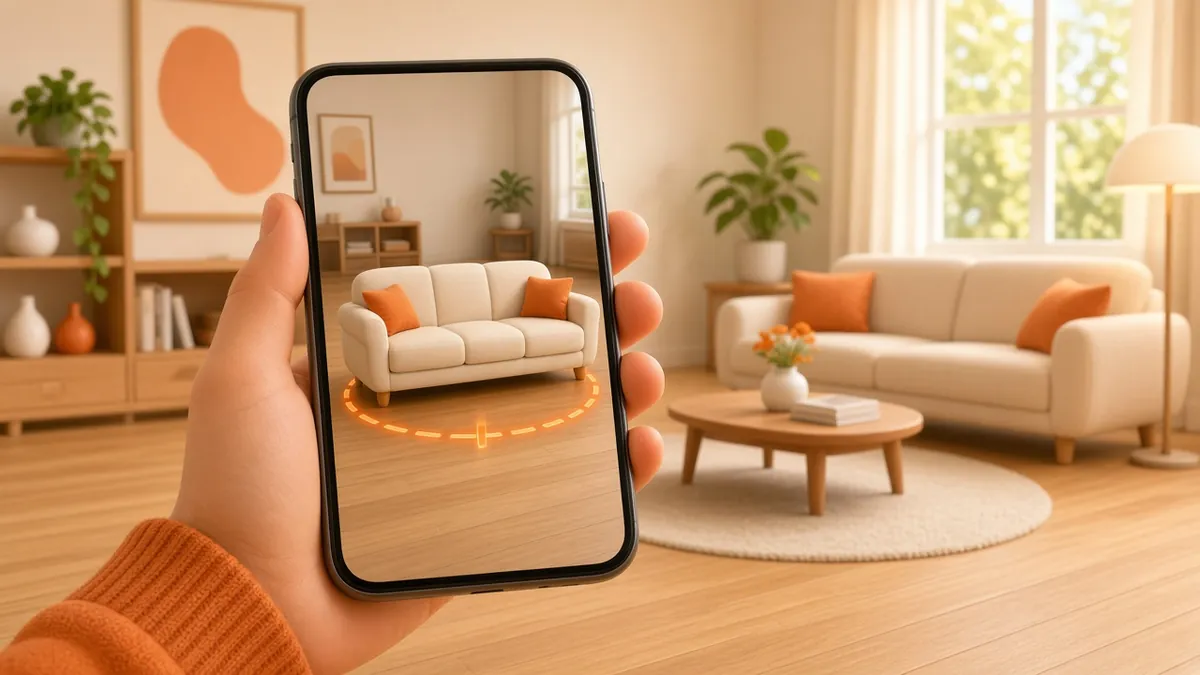
Augmented reality (AR) overlays digital content on the real world, usually through a phone camera. For marketing, its biggest strength is simple: it lets people see a product in their own life before they buy it.
The three main ways to deliver AR
- Web AR. The customer taps a button or scans a QR code and sees the product in their room, often without installing anything. Google's open-source model-viewer component can show a 3D model on a web page and launch AR on supported devices. On iPhone and iPad, Apple's AR Quick Look can display USDZ models in AR directly from Safari and other apps.
- Social AR. Camera filters and effects on social platforms. Great for awareness and sharing, but you work within each platform's tools and rules.
- App-based AR. Built into your own app with platform frameworks such as ARKit or ARCore. The most powerful option, but only worth it if people already use your app.

Use cases that work
- "View in your space". Furniture, appliances, TVs, décor and machinery shown at true scale on the customer's floor or desk.
- Virtual try-on. Glasses, jewellery, watches, make-up, shoes and hats.
- Interactive packaging. Scan a pack to see a product story, recipe, instructions or a mascot coming to life.
- Product explainers. Open up a product in 3D to show what is inside and how it works, useful for B2B sales and trade shows.
- Location-based experiences. Content anchored to real places, such as a tourism trail or a store event. Google's ARCore Geospatial API supports this in areas with coverage.
- Print and outdoor. Posters, brochures and business cards that unlock an animation when scanned.
What you need
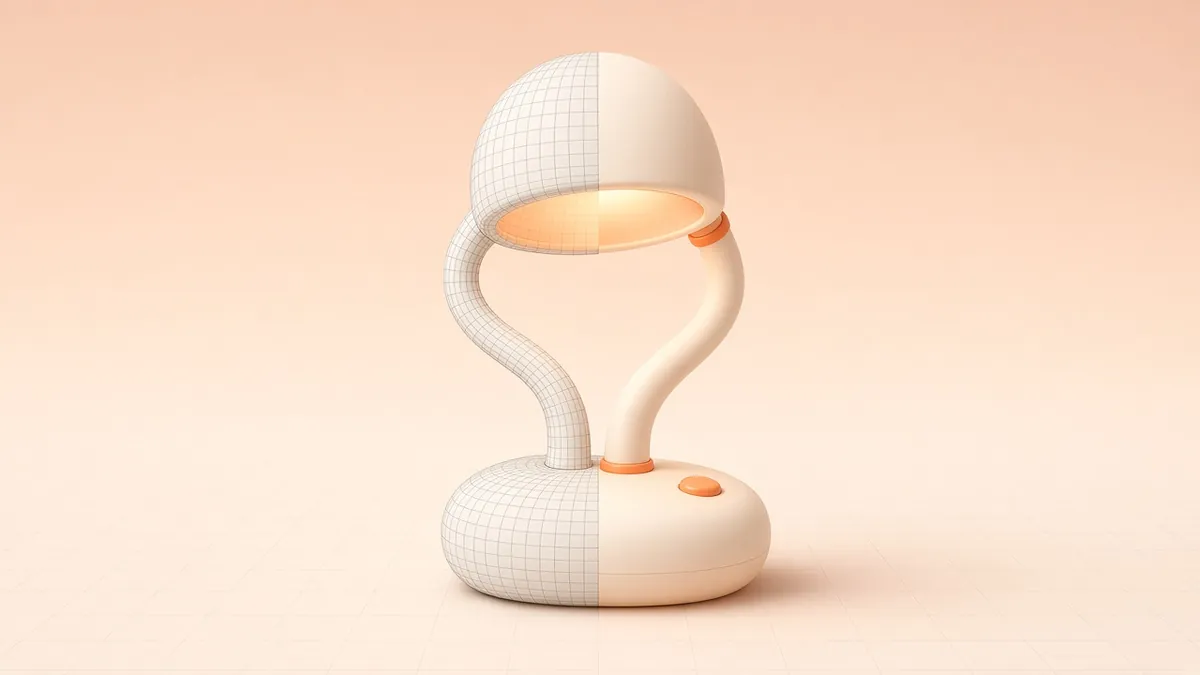
- An accurate 3D model of the product, built in real-world scale with realistic materials. glTF/GLB is a common delivery format for Android and the web; USDZ is used by Apple's AR Quick Look. A good model can also be used for product renders and animation.
- Optimisation. Models must be light enough to load quickly on mobile data. Aim for small file sizes and compressed textures.
- A clear entry point. A visible "View in your room" button on product pages, or a QR code with a short instruction on print and packaging.
Make it easy
- Explain in one line what will happen: "See it in your room".
- Show a short animated hint for placing the object.
- Make sure the object appears at true scale by default.
- Provide a normal 3D or image view for devices that do not support AR.
How to measure results
Decide in advance what success looks like and track it:
- AR launches as a share of product page visits.
- Time spent interacting with the model.
- Add-to-cart or enquiry rate for visitors who used AR compared with those who did not.
- Return reasons for products with and without AR, if you sell online.
- For campaigns: scans, shares and filter uses.
Be cautious with industry statistics that promise huge uplifts. Results vary by product and audience, so start with a pilot on a few products and compare.
Common mistakes
- Heavy models that take too long to load.
- Wrong scale or unrealistic materials, which damage trust.
- AR hidden deep in the page where nobody finds it.
- A "wow" effect with no next step. Always link back to buy, book or enquire.
Where to start
Pick two or three products where size, fit or appearance cause the most hesitation, build accurate 3D models, and add a web AR view to their product pages. Learn more in 10 techniques to improve AR and VR experiences, or contact us to discuss 3D models for AR.