

The benefits of an animated logo for your business, and how to do it well
10 November 2026
Guide · Updated 10 November 2026
Your logo appears everywhere: the start and end of videos, social media posts, presentations, your website and your app. An animated logo, sometimes called a logo sting or intro, turns that static mark into a small moment of personality.
What an animated logo is good for
- Recognition. Motion draws the eye. A consistent animation at the start or end of every video helps viewers connect the content to your brand.
- Personality. The way a logo moves says something: a bouncy, elastic reveal feels playful; a slow, precise build feels premium; a sharp snap feels energetic.
- Professional finish. Videos that open and close with a branded sting feel more polished and consistent across a series.
- Storytelling in seconds. The animation can hint at what you do: a line that draws a building for an architect, or a drop of water forming the logo for a drinks brand.
- Digital touchpoints. Loading screens, app launch screens, email signatures and website headers can all use short, subtle motion.
Where to use it
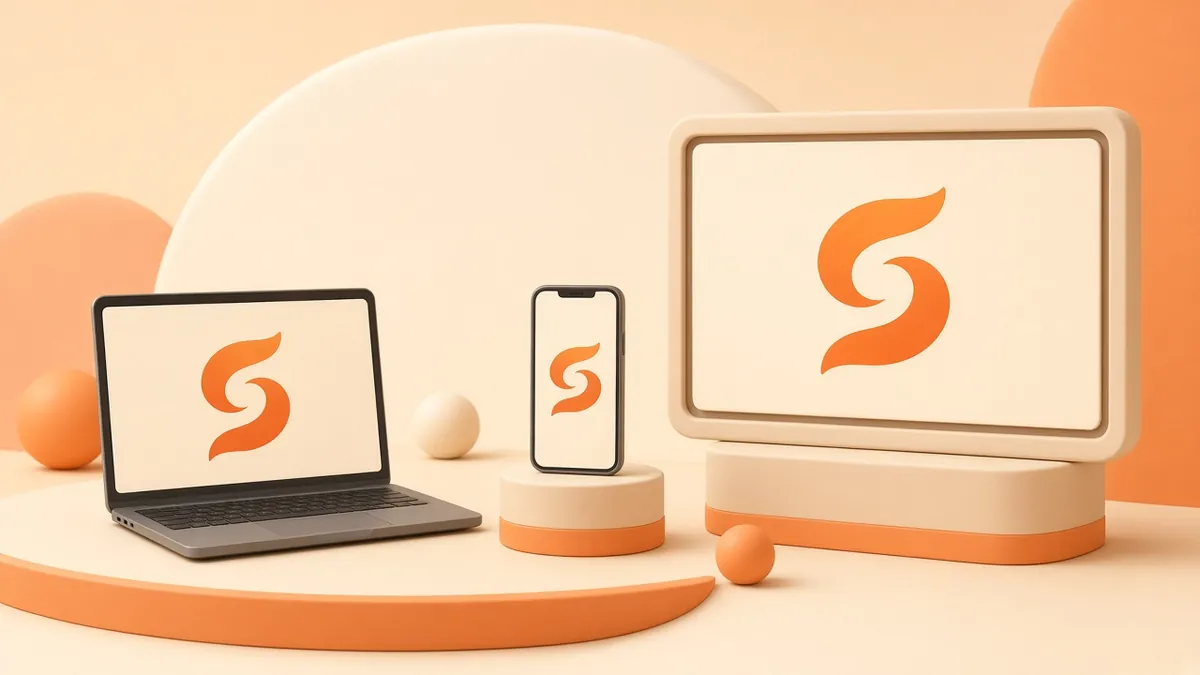
- YouTube and social video intros and outros.
- Presentations and webinars.
- Website hero sections and loading states (keep these very short).
- App splash screens.
- Event screens, trade shows and digital signage.
How long should it be?
Short. For video intros, a few seconds is usually plenty; viewers came for the content, not the logo. Make a longer "hero" version for big launches or events, and a very short version for social clips. It is common to deliver two or three lengths from the same design.
Choose the right formats
- MP4 / MOV video for video editing, with a transparent version (for example a ProRes 4444 or similar alpha-capable format) so it can be placed over footage.
- Lottie (JSON) for websites and apps. Lottie animations are vector-based, scale cleanly and are typically much lighter than video.
- GIF or animated WebP for email signatures and places that do not support video, keeping in mind that GIF has limited colours.
- Square and vertical versions for social platforms.
Make it accessible
- Avoid rapid flashing. The WCAG guideline on flashes says content should not flash more than three times in any one-second period, to reduce the risk of seizures.
- If an animation on a web page plays automatically for more than five seconds, WCAG asks for a way to pause, stop or hide it.
- Respect the "reduce motion" setting. Websites can detect the prefers-reduced-motion preference and show a static logo instead.
Common mistakes to avoid
- Changing the logo itself. The animation should reveal the approved logo, not distort its proportions or colours.
- Too many effects. Particles, lens flares and glitches can make a simple mark look dated. Pick one clear idea.
- No sound strategy. A short sound or musical sting can be powerful, but make sure the animation also works on mute.
- Ignoring small sizes. Check how the animation reads on a phone screen and at small sizes in a corner of a video.
How the process usually works
- Brief: brand values, where it will be used and examples you like.
- Concepts: two or three short motion ideas, often as storyboards or style frames.
- Animation of the chosen idea, with sound design if needed.
- Delivery of all lengths and formats.
Quick answers
Do I need a new logo first? No. A good animation works with your existing approved logo files, ideally in a vector format such as SVG or AI.
Can I use the same animation everywhere? Usually you need a few versions: a short one for social clips, a longer one for big launches and a silent-friendly one for websites.
Get your logo moving
See how motion graphics look in our portfolio, or contact us with your logo file and where you want to use it.