

AI video agents move into editing software: what Adobe, YouArt, DomoAI and Pine AI launched this week
16 November 2026
Current news (as of 16 November 2026)
From clip generators to agents
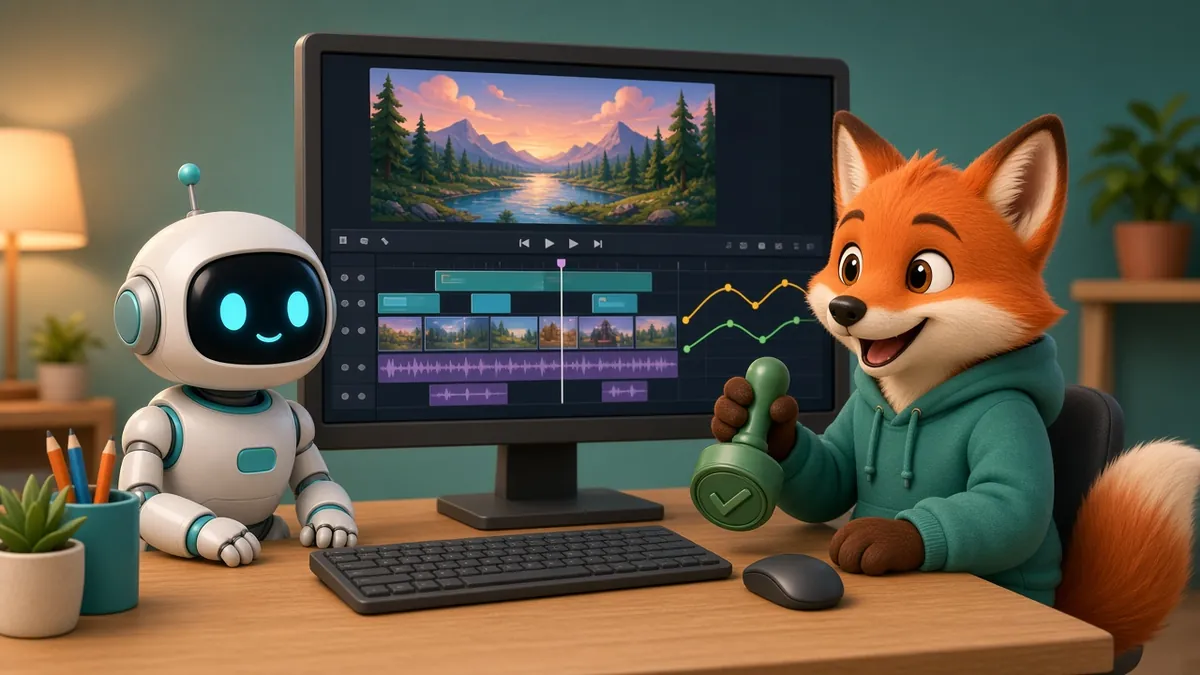
For the past two years, most AI video news has been about models that generate a clip from a prompt. The launches of the last week point somewhere slightly different. Several companies released agents: assistants that carry out multi-step production tasks, often inside the editing software teams already use, and that stop to ask a person before moving on.
- Adobe brought AI assistants, in beta, to After Effects, Premiere, Illustrator, InDesign and Frame.io at Adobe MAX 2026.
- YouArt launched a desktop app on 14 November that can operate After Effects, Premiere Pro, DaVinci Resolve, CapCut and Blender with the user's permission.
- DomoAI released the InkoAI Agent, which turns a one-sentence brief into a video workflow with an approval step at each stage.
- Pine AI released Pine Drama Studio on 13 November, an open-source studio where agents turn a screenplay into episodes while creators approve each step.
None of these removes the need for a script, a design or a creative decision. What they change is who, or what, does the repetitive clicking between those decisions.
Adobe: assistants inside After Effects and Premiere
According to Animation World Network, Adobe's Creative Agent now powers expanded AI Assistants, in beta, across After Effects, Premiere, Illustrator, InDesign, Frame.io and the beta version of Photoshop. In Premiere, the assistant can apply effects across every clip in a sequence, track masked subjects through a frame, and correct colour and exposure for a whole sequence in one pass.
Two details matter for production teams:
- Plan Mode in the Firefly AI Assistant shows what the agent intends to do so creators can sign off first, or let it run.
- A preview of local MCP integrations will let third-party AI agents make changes directly in native Photoshop, Illustrator, Premiere and After Effects project files, with layers, vectors, bins and sequences staying editable.
Premiere also gains Color Mode, a Generative Media Tool for video, sound effects and music in the timeline, and Generative Remove (beta) for erasing unwanted objects from video.
YouArt: an agent that operates your editing apps
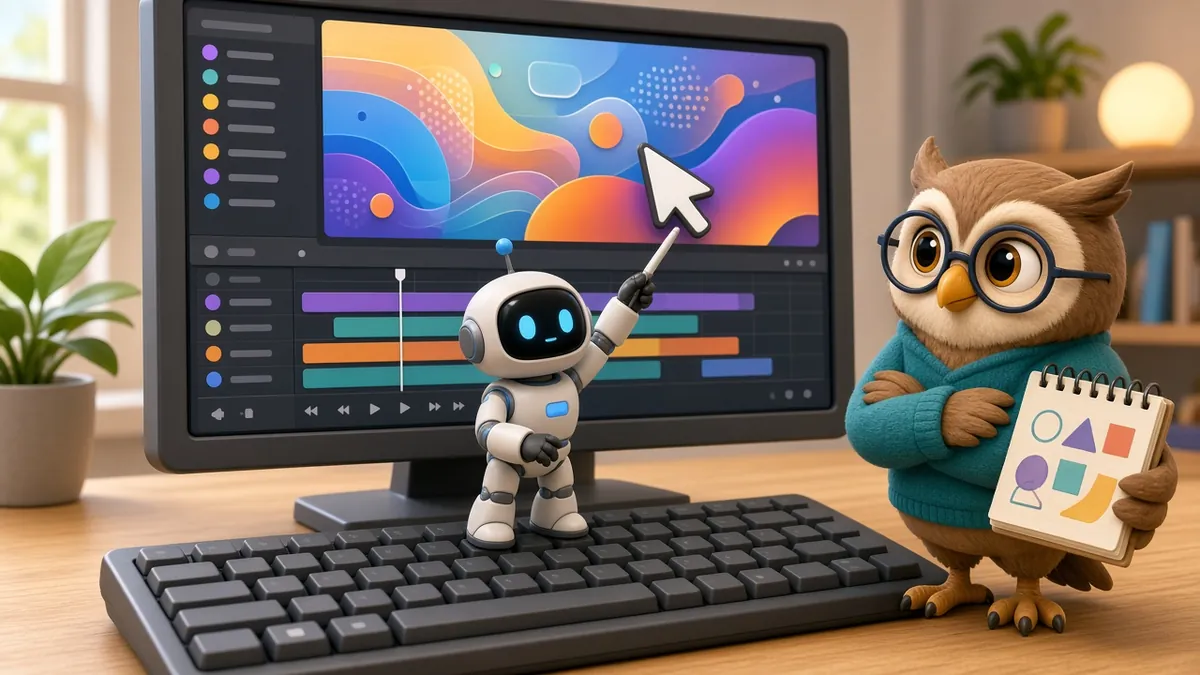
YouArt, which is backed by Y Combinator, describes its new Desktop App as an AI video agent for Mac and PC that works with local project files. With permission, it can operate After Effects, Premiere Pro, DaVinci Resolve, CapCut and Blender by navigating menus, clicking and entering commands.
The press release highlights a feedback loop that will be familiar to any agency: client comments arriving by Slack or Gmail can be pinned to the relevant shot, and the agent makes the requested changes while the creator reviews them and decides what to keep. A Chat to Edit feature accepts instructions such as "use our brand blue" or "hold this title for one more second", and manual timeline controls remain available.
YouArt also lets users bring their own API keys for third-party model providers and says its routing picks the lowest-priced option for a chosen model. Pricing claims in the release are the company's own comparison.
DomoAI and Pine AI: approval at every step
DomoAI's InkoAI Agent sequences tasks across 15 image and video models from a one-sentence brief, and pauses at each stage so the user can confirm the output before it continues.
Pine AI's Pine Drama Studio is free under the Apache 2.0 licence, while the cloud compute it runs on is paid. Its agents build a story bible, design characters, locations and props once for a series, storyboard and generate shots, and cut approved takes into episodes. Creators approve the designs, storyboards, takes and final cuts. Pine AI says one Australia-based short-drama studio went from 2–3 minutes of video a day per person to 30–50 minutes after moving onto the studio; that figure comes from the company's own release.
What this means for brands commissioning video
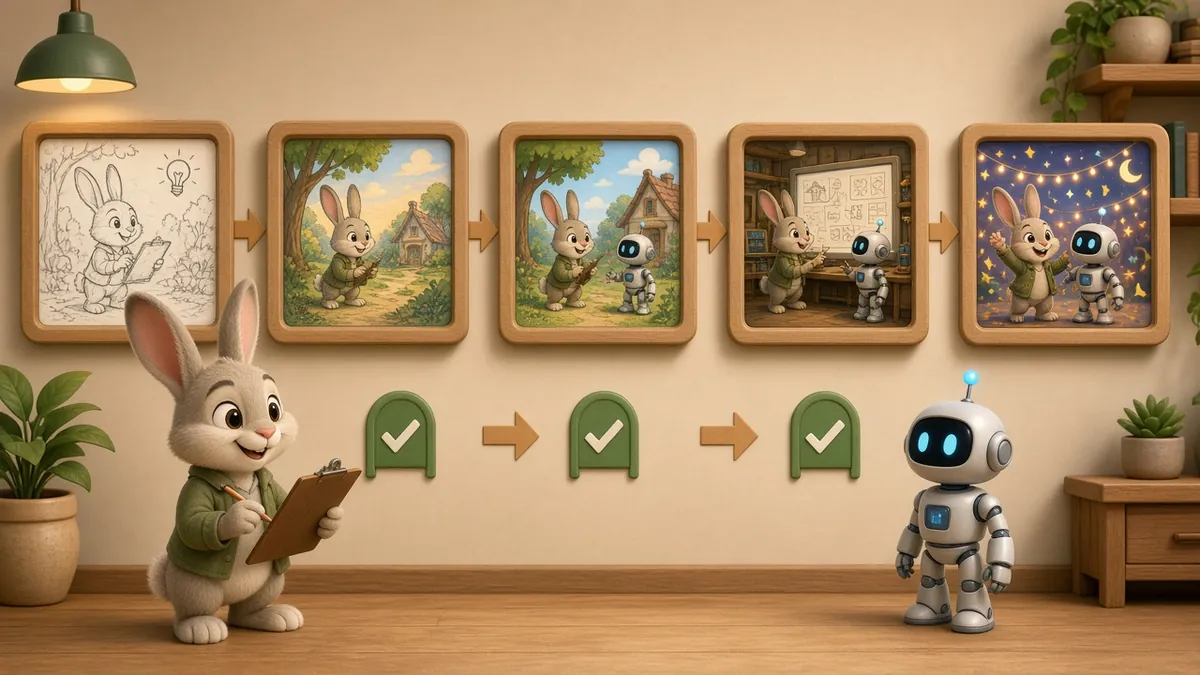
The common thread is the approval gate. Every one of these tools is designed around a person signing off on a plan, a design or a take. That is a useful signal for brands: speed is moving into the mechanical steps, but the decisions still need an owner.
A few practical points if you are planning an animated or edited brand video:
- Write a clear brief and lock your brand assets. Agents work from what they are given. Colours, fonts, logo rules and character sheets should be final before automated steps start.
- Decide who approves what. Name the person who signs off on script, storyboard, design and final cut. Approval-based tools only help if those approvals are quick and clear.
- Expect faster revisions, not instant films. Applying a colour fix across a sequence or reworking a title hold is where agents save time. Story, timing and performance still need craft.
- Ask about file ownership and editability. Prefer workflows where the final project stays editable in standard software, so future changes do not depend on one tool.
- Treat beta features as beta. Many of these features are previews or brand new releases. Build in time to check every output for brand accuracy and on-screen text.
The short version
This week's launches move AI from generating isolated clips to running steps inside real editing projects, with people approving each stage. For brands, the practical gain is quicker revisions and less repetitive work. The creative brief, the design decisions and the final sign-off remain human jobs, and these tools are built around that.
Planning a brand video and wondering where AI fits in the workflow? Get in touch.
Sources
- Animation World Network, "Adobe Brings AI Agents to After Effects, Premiere at Adobe MAX 2026" (11 November 2026)
- ABNewswire, "YouArt Launches YouArt Desktop App, AI Creative Teammate on the Computer" (14 November 2026)
- Complete AI Training, "DomoAI Launches InkoAI Agent for Ready-to-Post Video" (14 November 2026)
- SLOP TV News, "Pine AI open-sources Pine Drama Studio for AI filmmaking" (14 November 2026)