

3D game art explained: from concept to in-engine asset
10 November 2026
Guide · Updated 10 November 2026
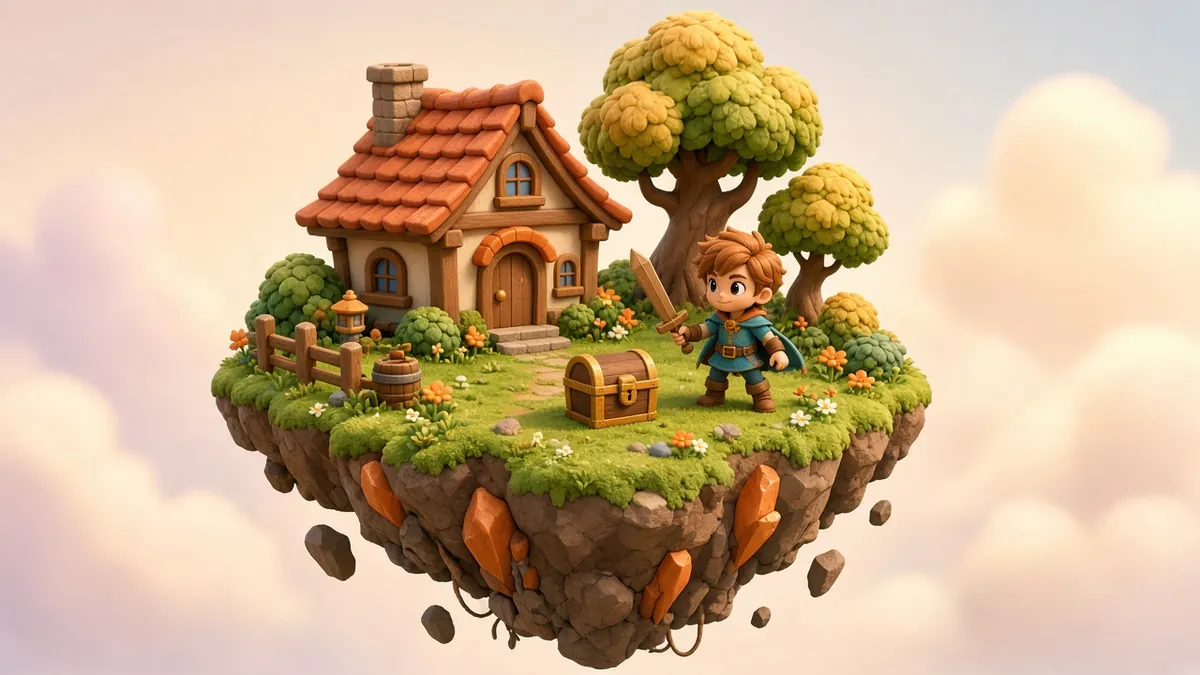
3D game art covers every visual element a player sees in a 3D game: characters, creatures, weapons, vehicles, props, environments and effects. Unlike film, where only the final rendered frame matters, game art must look great while running in real time on the player's device. That single constraint shapes the whole process.
The main roles
- Concept artists design the look on paper first.
- Character artists model and texture heroes, enemies and creatures.
- Environment and prop artists build the world and everything in it.
- Technical artists connect art and code: shaders, performance and tools.
- Riggers and animators make characters and objects move.
- VFX artists create fire, magic, impacts and weather.
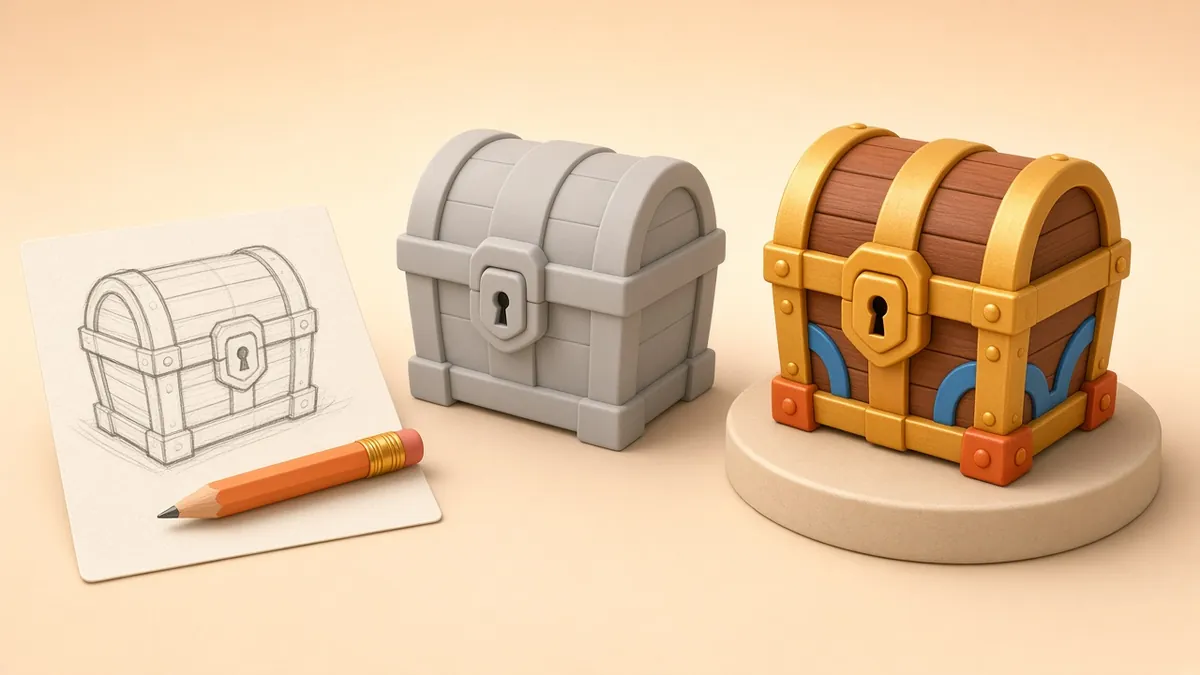
From concept to in-engine asset
1. Concept and planning
The art director sets the style: stylised or realistic, colourful or gritty. Concept sheets show the asset from several angles with notes on materials and scale. The team also sets a technical budget, such as polygon count, texture resolution and number of materials, based on the target platforms.
2. High-poly sculpt or model
Artists build a detailed version with no performance limits, often by digital sculpting. This captures fine detail such as wrinkles, scratches and stitching.
3. Low-poly retopology
A lighter, game-ready mesh is built over the high-poly version. It needs clean topology where it will deform and as few polygons as possible elsewhere.
4. UVs and baking
The low-poly mesh is unwrapped (UV mapped), and the detail from the high-poly model is "baked" into texture maps such as normal and ambient occlusion maps. The result looks detailed but renders quickly.
5. Texturing with PBR materials
Most modern engines use physically based rendering (PBR). Artists paint maps such as base colour, roughness, metalness and normal, so the asset reacts correctly to the game's lighting in any scene.
6. Rigging and animation
Characters and moving objects are rigged and animated: idle, walk, run, attack, react. Game rigs must stay within the engine's limits on bones and influences. See how to choose the right character rig.
7. Levels of detail (LODs)
Simpler versions of the model are created for when it is far from the camera. Engines swap them automatically to keep frame rates stable. Some modern engine features, such as Unreal Engine 5's virtualised geometry system, reduce manual LOD work in some cases, but budgets still matter, especially on mobile.
8. Engine integration and testing
The asset is imported into the engine, such as Unity or Unreal Engine, with materials, collisions and animations set up. Artists then check it in real game conditions: different lighting, distances, platforms and gameplay situations.
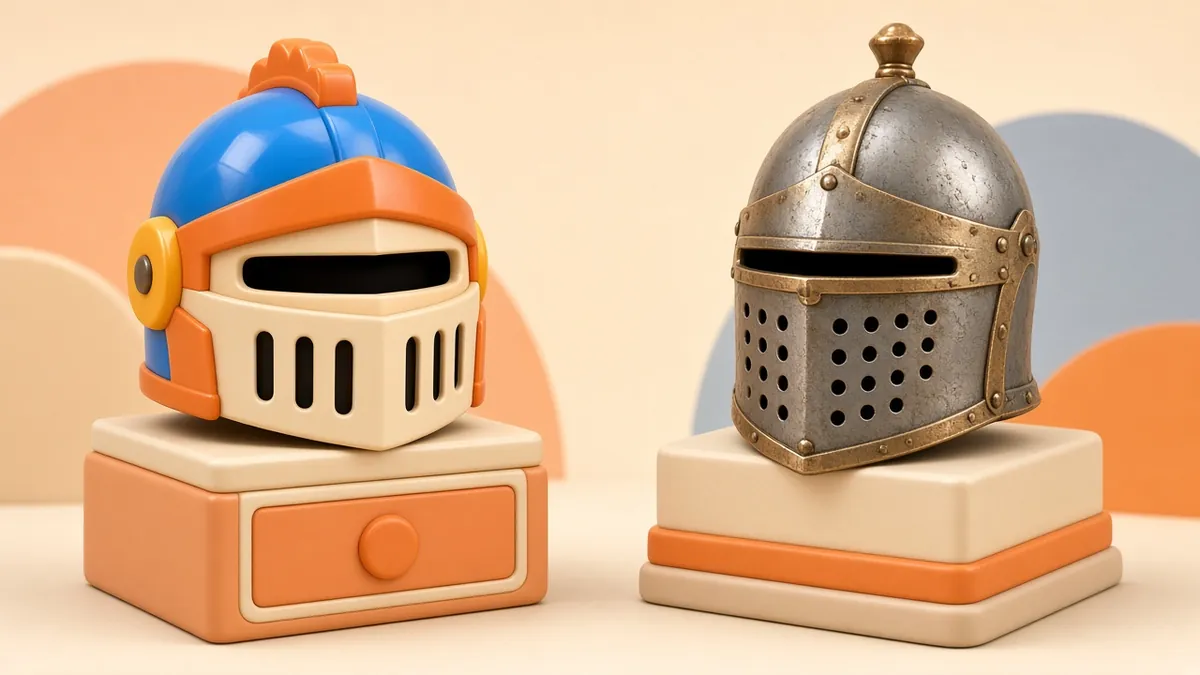
Stylised vs realistic
- Stylised art (bold shapes, hand-painted or simplified textures) ages well, runs well on more devices and helps a game stand out.
- Realistic art demands more detail, more texture memory and more production time, but suits certain genres.
Pick the style that suits the gameplay, the audience and the platforms, not just what looks impressive in a single screenshot.
Common pitfalls
- Building assets without agreed technical budgets.
- Inconsistent scale between assets from different artists.
- Too many unique materials, which can hurt performance.
- Testing only in a perfect lighting setup instead of in the actual game.
Quick answers
How long does one game asset take? It varies hugely, from hours for a simple prop to weeks for a hero character with full animation. Agree the quality level and budget up front.
Can film-quality models be used in games? Not directly. They usually need retopology, baking and optimisation first, which is exactly the process described above.
Planning a game or interactive project?
Need 3D characters, props or environments modelled for a game or interactive project? See our services and portfolio, or contact us to talk it through.